
Save GIFs, videos and pictures from Reddit, X, Discord and everywhere else. Then type /meme in any app and drop the perfect one in — still moving.
Windows 10 & 11 · 5 MB · Works offline
Every one of them a /name away, in whatever app you're in.
reading the incident report/postmortem
the build failing at 4:58 pm/monday
me hearing your estimate/sure
it's 5 o'clock somewhere/friday
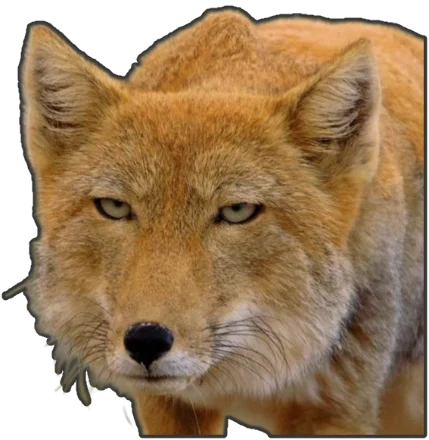
who touched main/blame
us when a new meme drops/bestie
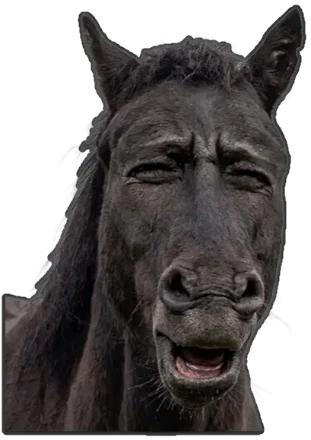
neigh. but politely./nah
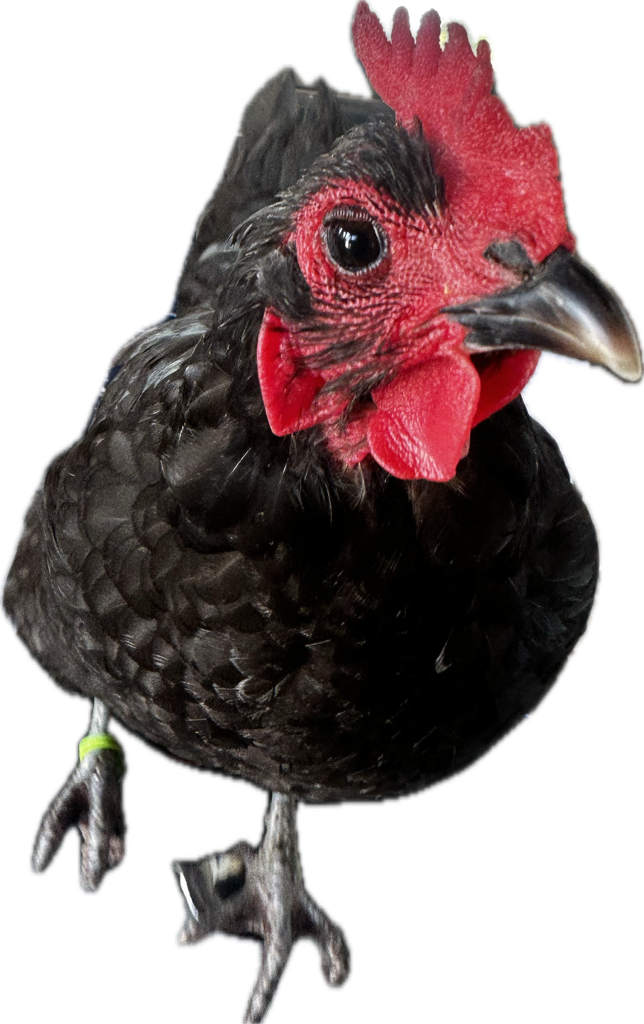
tell me about it/henMemeBinder lives on your computer, next to every app you talk in. No browser tab, no sign-in, no hunting through your downloads folder.
Paste a link from Reddit, X, Giphy, Tenor, Imgur or Discord — or copy anything and press Ctrl Shift Alt S from any app.
Name it, tag it, file it in binders. Search finds it by name, tag, person or kind — #monday gif means what it says.
Type /meme in Teams, Slack, Discord, email — anything. Pick, press Enter, and it lands where you were typing.
Turn any picture, GIF or sticker into a template, then type fresh words every time you send it.
Copying a GIF from a browser pastes a still picture. MemeBinder hands chat apps the actual file — so the animation survives, videos arrive as videos, and stickers keep their edges.


A proper layered editor, built for memes rather than photographs.


MemeBinder is where stick.my grew up. Import your stickers, templates and collections in one go — shared collections can carry on as shared binders, so the team's repository comes with you.
Free. Windows 10 and 11. Your library stays on your computer.
Version 0.1.0. Windows may say it “protected your PC” the first time, because this early build isn't code-signed yet — choose More info → Run anyway.
After installing, press Ctrl Shift Space or type /meme anywhere to open the picker.
No. MemeBinder works entirely on your computer. If you share or join a binder, your copy of the app gets an identity automatically — you just pick the name friends will see.
In a folder on your computer. Only memes you put in a shared binder are sent anywhere — to MemeBinder's sync service, so the other members get them. Nothing else about your library leaves your machine.
Anything you can paste into: Teams, Slack, Discord, WhatsApp, Outlook, Gmail, Word, browsers. GIFs and videos arrive as files, so they keep moving.
MemeBinder notices when you type the trigger at the start of a word and opens the picker. It only watches for that trigger — it doesn't record or send anything you type. You can change the trigger or turn it off in Settings.
Reddit blocks apps from reading posts, so use the Save to MemeBinder bookmark (in Settings) on the post, or right-click the picture, Copy image, and press the save shortcut.
Yes. Make as many binders, templates and shared binders as you like.
Not yet — MemeBinder is Windows-only for now.
This early version isn't code-signed yet, so SmartScreen doesn't recognise it. Choose More info → Run anyway.